Signs Your Battery Needs Replacement
Feb 5, 2026 • 9 min read
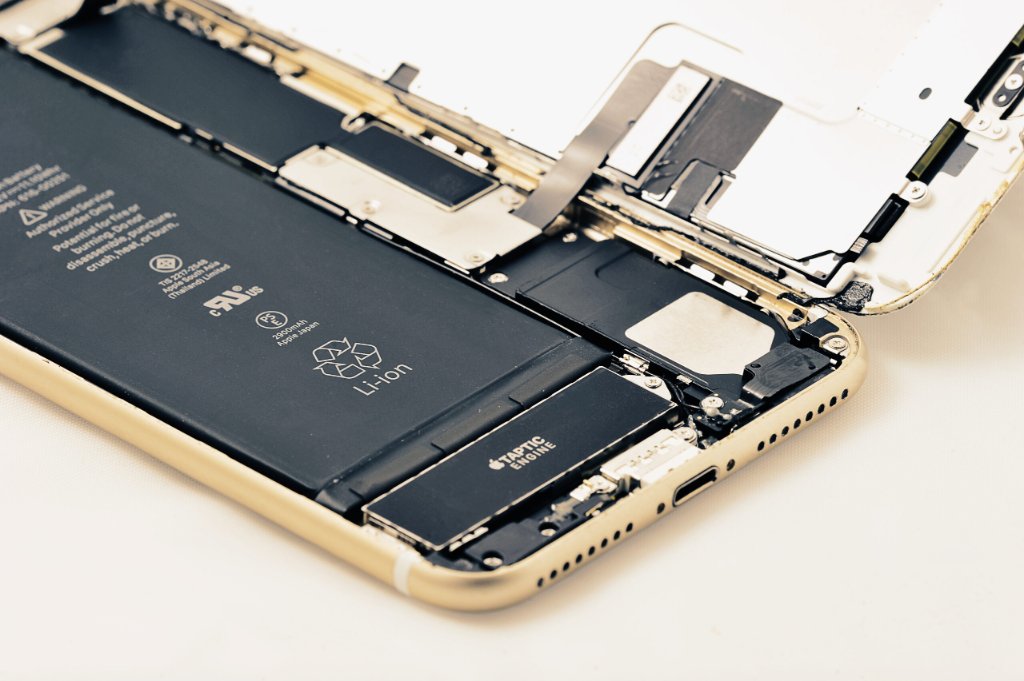
Your phone's battery is its lifeline. When battery performance degrades, your entire smartphone experience suffers. At RepairRama in the Bronx, we replace hundreds of iPhone and Samsung batteries every month. In this comprehensive guide, we'll help you identify the warning signs of battery failure, understand battery health, and know when it's time for a replacement.
Top 10 Signs You Need a Battery Replacement
1. Rapid Battery Drain
The #1 indicator of battery failure. If your phone loses 20% or more battery per hour with normal use (texting, browsing, light apps), your battery is degraded. A healthy iPhone or Samsung battery should last a full day with moderate use.
2. Phone Dies at 20-30% Charge
This is called "sudden shutdown" and indicates severe battery degradation. When your battery shows 30% but your phone dies, the battery can no longer accurately report its charge level. This typically happens with batteries at 70% health or lower.
3. Phone Only Works When Plugged In
If your phone shuts off immediately after unplugging, the battery is critically failed. This is a urgent replacement situation - bring your device to RepairRama at 4372 White Plains Road ASAP.
4. Slow Charging or Won't Charge
If charging takes significantly longer than usual (6+ hours for full charge) or your phone won't charge past a certain percentage, the battery or charging system is failing. Note: Sometimes this is a charging port issue, not battery - our technicians can diagnose the root cause.
5. Phone Overheating
Excessive heat during normal use or charging indicates battery degradation or internal damage. If your iPhone or Samsung phone gets hot to the touch during light use, the battery may be swelling or failing. This is a safety risk - get it checked immediately.
6. Physical Battery Swelling
⚠️ URGENT SAFETY WARNING:
If your phone's screen is separating from the frame, the back is bulging, or you see any physical deformation, your battery is swelling. Stop using the device immediately and bring it to RepairRama. Swollen batteries can catch fire or explode.
7. Constant Low Battery Warnings
If you see "20% battery" or "10% battery" warnings within hours of a full charge, your battery is degraded. Healthy batteries should provide 6-10 hours of screen-on time for iPhones and 8-12 hours for Samsung flagships.
8. Phone Lags or Crashes Frequently
iPhones with degraded batteries experience "performance throttling" - Apple slows down the processor to prevent shutdowns. If your iPhone feels sluggish or apps crash frequently, check battery health (Settings → Battery → Battery Health).
9. Camera Flash Won't Work
The camera flash requires significant power. If your flash is disabled or gives an error message, the battery may not be providing enough current. This is especially common when battery health drops below 75%.
10. Battery Health Below 80%
For iPhone users: Go to Settings → Battery → Battery Health. If "Maximum Capacity" shows below 80%, Apple recommends replacement. Below 70%, you'll likely experience significant performance issues.
For Samsung users: Dial *#0228# to check battery health, or use Samsung Members app. Look for "Battery Status" and cycle count.
Understanding Battery Degradation
Lithium-ion batteries (used in all smartphones) degrade naturally over time through chemical reactions. This is normal and unavoidable, but certain factors accelerate degradation:
What Causes Battery Degradation?
- Charge cycles: Each full charge counts as one cycle. After 500 cycles, capacity drops to ~80%
- Age: Even unused batteries degrade ~20% per year
- Heat exposure: Leaving phone in hot cars or direct sunlight damages batteries
- Deep discharges: Letting phone die completely stresses the battery
- Fast charging: Convenient but generates heat that accelerates wear
- Overcharging: Keeping phone plugged in at 100% overnight adds stress
How to Extend Battery Life
While degradation is inevitable, you can slow it down:
Daily Habits
- Keep charge between 20-80%: This sweet spot minimizes stress
- Avoid extreme temperatures: Don't leave phone in cold/hot environments
- Use optimized charging: Enable this feature in battery settings (iPhones/Samsung)
- Reduce screen brightness: Display is the biggest battery drain
- Close unused apps: Background apps drain power silently
- Disable unnecessary features: Bluetooth, Wi-Fi, and location services when not needed
Charging Best Practices
- Use original chargers: Cheap chargers can damage batteries
- Don't charge overnight every night: Occasional overnight charging is okay, but not daily
- Charge before hitting 0%: Try to plug in around 15-20%
- Unplug at 90-95%: You don't need to reach 100% every time
- Remove thick cases while charging: This helps dissipate heat
When to Replace Your Battery
Replace your battery if:
- Battery health is below 80% (iPhone) or equivalent for Samsung
- You've had the phone for 2+ years with daily use
- You experience 3 or more symptoms from our list above
- Phone doesn't last through your workday
- You're constantly looking for chargers or carrying power banks
Battery Replacement Cost & Process
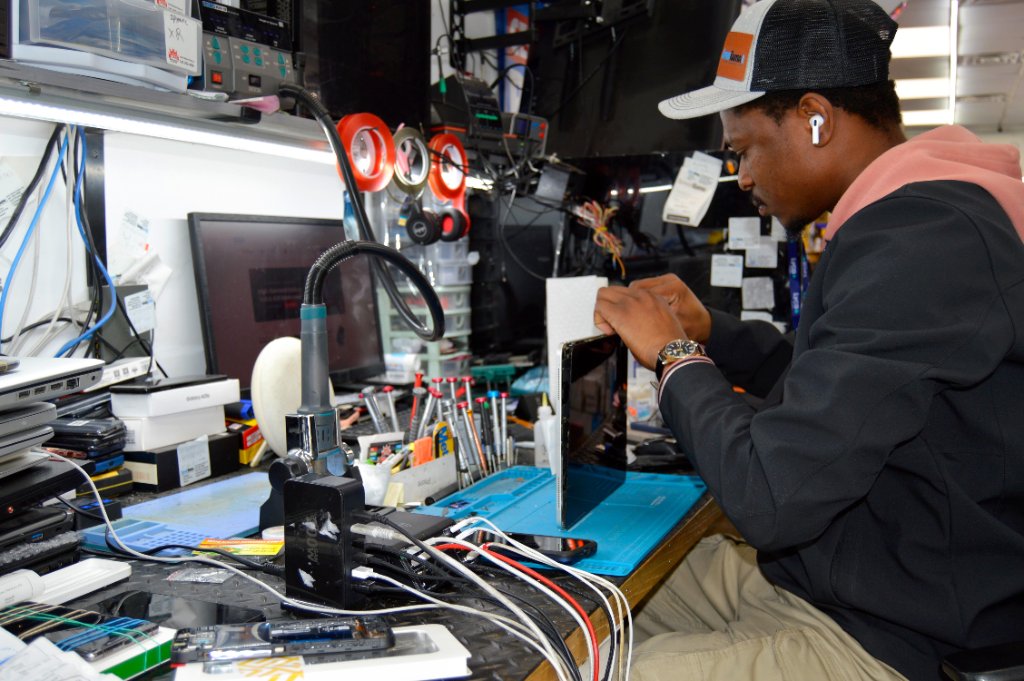
At RepairRama (4372 White Plains Road, Bronx NY) — see our full battery replacement page for details:
- iPhone battery replacement: $49 (basic) / $79 (premium) depending on model
- Samsung battery replacement: $49 (basic) / $79 (premium) depending on model
- Repair time: 30-60 minutes while you wait
- Warranty: 30 days on parts and labor
- Free diagnostics: We'll test your battery health before recommending replacement
Battery Dying Fast? Get It Replaced Today
Don't suffer with a dead battery. Visit RepairRama in the Bronx for same-day battery replacement with a 30-day warranty!
FAQs
How long do phone batteries last?
Most phone batteries last 2-3 years or 500-800 charge cycles before dropping below 80% capacity. Heavy users may need replacement sooner.
Can I replace my battery myself?
We don't recommend it. Modern phones use adhesive and require specialized tools. DIY battery replacement risks fire, device damage, and voiding warranties. Professional replacement at RepairRama is safer and comes with a warranty.
Will a new battery make my phone faster?
Yes! Especially for iPhones. Apple throttles performance when batteries degrade. A new battery removes this limitation, making your phone feel brand new again. Apps launch faster, games run smoother, and multitasking becomes seamless.
What happens if I ignore battery warning signs?
Ignoring battery problems can lead to serious issues: unexpected shutdowns damage your logic board, data loss occurs if phone dies during operations, water damage risk increases as pressure builds inside, and performance degrades severely. In worst cases, a simple $100 battery replacement becomes a $400+ logic board repair. Don't wait - get your battery checked if you notice any warning signs.
Is it cheaper to repair or replace my phone?
For most phones, battery replacement is far cheaper than replacement. A battery costs $60-$150, while a new phone costs $800+. Even if your phone is 3 years old, a fresh battery often makes it feel new again. Unless you have other major damage, battery replacement is the economical choice.
Related Services & Reading